RBAC(Role-Based Access Control,基于角色的访问控制)是目前企业系统最主流的权限模型,也是绝大多数后台管理系统(OA、ERP、CRM、MES、IAM、Kubernetes、Linux sudo 等)的基础。
相比直接给用户分配权限,RBAC引入了一个角色(Role)作为中间层:
用户 → 角色 → 权限
这样权限管理会简单很多。
使用reflector来管理[[pacman]]的软件源
Reflector 是一个 Python 脚本;它可以从 Arch Linux Mirror Status 页面获取最新的镜像列表,然后筛选出最新的镜像并按速度排序,最后将结果写入到 /etc/pacman.d/mirrorlist 文件。
安装
1 | sudo pacman -S reflector |
使用最新5个国内镜像,按速度排序覆盖mirrorlist文件
1 | sudo reflector -c China --protocol https --latest 5 --sort rate --save /etc/pacman.d/mirrorlist |
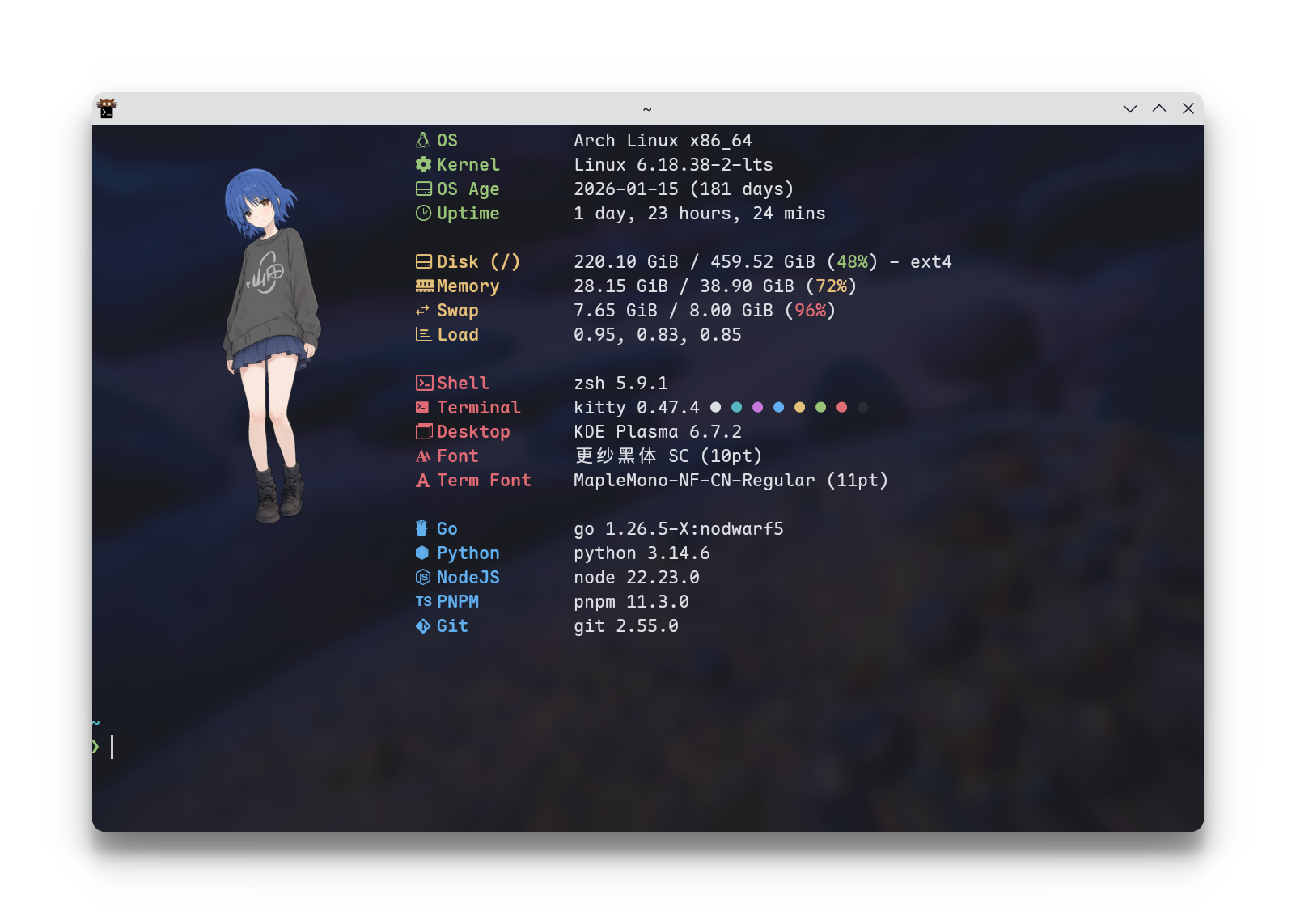
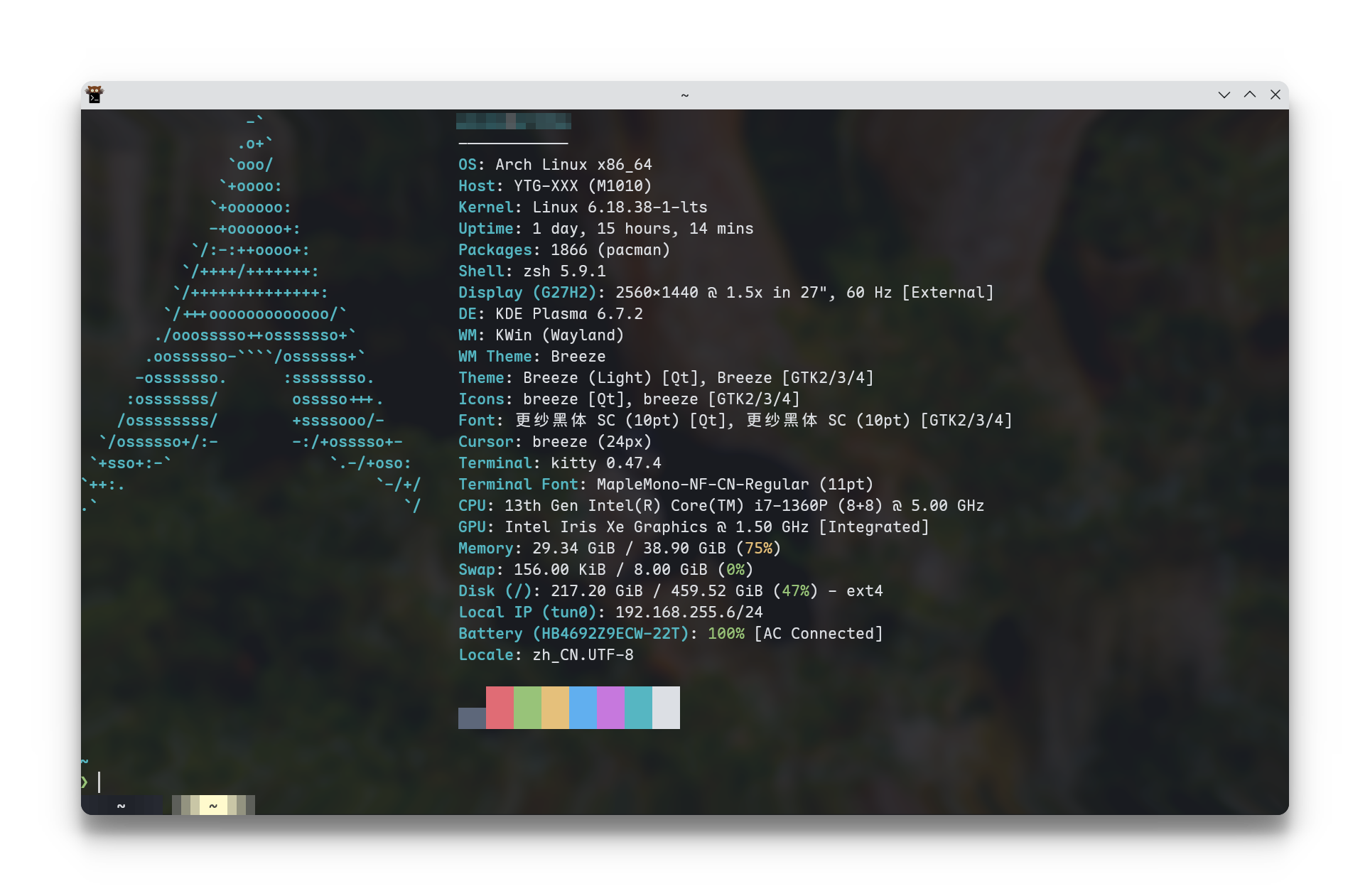
Kitty终端
优势:
- 性能好,和Ghostty都是第一梯队
- GitHub开源 kovidgoyal/kitty
- 多平台,macOS和Linux
- 主题比较多
kitten themes,目前用One Half Dark - 可以看图片
kitten icat image.png - 自动记住上次窗口大小(Ghostty要配置)
- 复制文本带换行(Ghostty有时不行 相关discussions)
Podman 国内加速(镜像拉取)配置方法(2026 年最新推荐)
国内访问 Docker Hub 很慢,主要通过配置镜像加速源(Mirror)解决。Podman 的配置方式和 Docker 不一样,用的是 /etc/containers/registries.conf 文件。
其实前端不是所有 SVG 都能改颜色,关键看 SVG 是怎么画的。
最推荐
使用 **currentColor**。
1 | <svg viewBox="0 0 24 24"> |
有2块硬盘分别安装了,Arch Linux和Windows。希望启动时可以选择进入的系统。BIOS顺序是先启动 Arch Linux 的盘,Arch Linux 的 GRUB 里可以选择进入 Windows。
所以要解决 Arch Linux 怎么启动识别另一块Windows盘:
使用os-prober来识别自动发现系统,写入 grub.cfg;GRUB 菜单多一个Windows Boot Manager
Linux 服务器写入DVD的脚本
1 | # 使用方法 |
一些注意事项
- 老旧主板有的不识别USB3.0的U盘,进 BIOS 打开 XHCI、关闭快速启动、打开传统 USB 兼容也不行。只能用2.0的U盘插2.0的口。
- 方便的话可以把其他硬盘线拔了,只保留要装系统的盘,后面再插上去
- 安装系统时可以在
shift+F10打开regedit关闭bitlocker - !别在晚上装系统!
安装Windows系统时跳过联网验证[^1]创建本地账号
首先安装系统到联网那一步,按shift+F10打开cmd
执行以下命令跳过联网验证:
1 | OOBE\BypassNRO |
电脑会自动重启,重启回来就可以选“我没有Internet连接”,然后创建本地账号
Windows 环境比较干净的安装/使用软件的方法
- 零安装网页应用
- Portable应用、 msix/appx应用
- 沙盒 (Sandbox)、虚拟机 (VM)、Docker容器化应用
- 包管理器管理应用(winget)
- 其他设备投屏使用(手机、NAS)
- …
WinGet 常用操作[^2]
1 | # 在线搜索一个软件 |
2025 Windows 软件推荐
目前已安装的软件
1 |
|
其他推荐
1 |
|
执行脚本
1 | powershell -Command "Set-ExecutionPolicy Unrestricted" |
激活系统 / Office
powershell 激活信息 slmgr /ipk W269N-WFGWX-YVC9B-4J6C9-T83GX slmgr /skms kms8.msguide.com slmgr /ato 上面不行换这个 slmgr /skms kms.digiboy.ir slmgr /ato 上面不行换这个 slmgr /skms kms.chinancce.com slmgr
1 | irm https://get.activated.win | iex |
参考
[^1]: Set up Windows 11 without internet - oobe\bypassnro
1 | (function(){ |